

A remote webcast turns an online event into a real television broadcast, with speakers and guests joining from anywhere in the world through Microsoft Teams, Zoom or vMix Call, the system built into the production software. Every guest can share slides and presentations while connected. Graphics, lower thirds and audio and video inserts are run live by the control room, with practically no limit on content. All participants stay in touch with the control room on dedicated audio lines, and the event is recorded in broadcast quality for the archive or for later promotional use. The client also has a private channel with the control room, to follow the broadcast and talk to the director at any time without being heard on air. Conferences, round tables and online conventions become productions taken care of in every detail. The broadcast goes out from my studio in Milan, in the Navigli district, or directly from the event venue anywhere in Northern Italy.
Where the webcast goes
Streaming makes people think of social media first, but they are no longer the only destination. With video conferencing platforms such as Zoom, Microsoft Teams and Google Meet you can run private online events for a set number of guests, who join with a ticket or an invitation. Live coverage of an event, a concert or a show can also be combined with remote guests who talk with the people in the room, while the signal reaches LED walls, screens and projectors and even the attendees’ computers. Technology and experience make all these combinations possible, and any other you have in mind.
Social media

Social platforms are the most natural and common destination for a stream. The vMix software in the remote control room easily handles up to three simultaneous streaming destinations per broadcast, and up to six in some advanced setups.
At the venue
The live audio and video can reach both the web and the event space, on LED walls, screens and projectors. With the NDI protocol it can even reach the attendees’ computers over the existing network.
Video conferencing

For a broadcast limited to a set number of participants you can use the usual video conferencing platforms such as Zoom and Teams, or dedicated platforms with paid or invitation-only access. None of these options excludes the others.
Hybrid events | in the room and online together
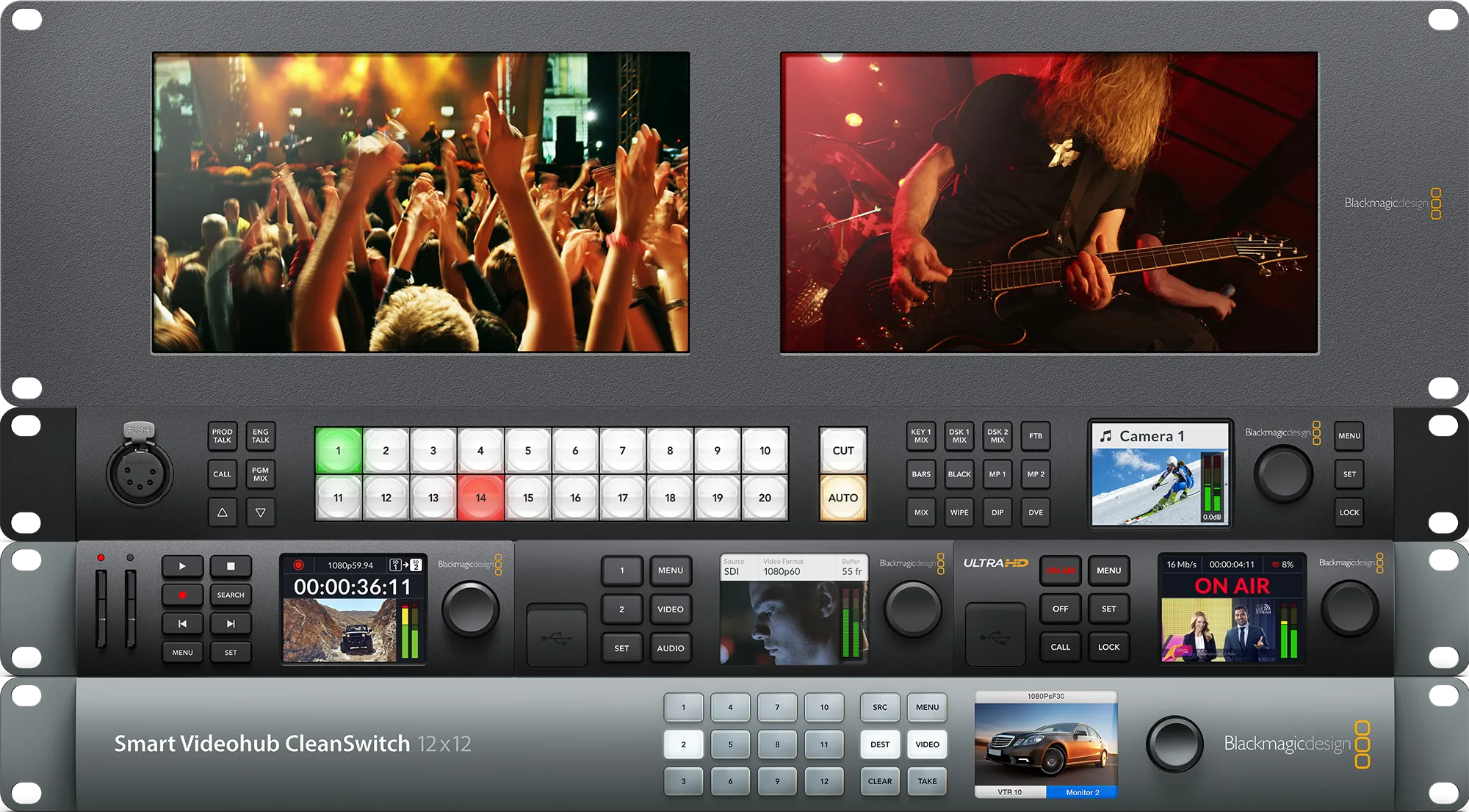
When the event also has speakers on site, I set up a real television studio wherever it is needed, in a conference room or a theatre. Everything a remote webcast can do works together with cameras run by operators, live direction and audio handled by experienced engineers. The audience in the room can talk with the remote guests as if they were in the same studio. All the details are on the live event production page.
Like television
There is no difference between a television broadcast and a well-designed, well-run stream: everything has to be planned carefully in advance. Some services, such as lower thirds, basic graphics and screen layouts for conversations between guests, are included in the base production.
Animated graphics
For every event I prepare the lower thirds and the broadcast graphics. If you want a custom layout, a professional designer can help you get the look you want for your online event, for a one-off fee that covers the whole series of broadcasts.
4:2:2 recording
Every broadcast is recorded in full in broadcast format. Each remote guest and their shared screen can also be recorded separately. The resulting videos can be archived or reused for any kind of communication.
Multiple layouts
Based on the number of talks and presentations, I prepare the most suitable multiview layouts for each broadcast according to the agreed running order, so that every speaker and every piece of content shown at the same time has its place on screen.
Other services
A broadcast can include pre-recorded content such as opening titles, short reports, features, interviews and archive footage, edited specifically for it. During pre-production I can make any audiovisual and multimedia material you need and commission original music from experienced composers.
Pro connection
A technician can come to your home or office to broadcast your talk live with television-quality picture and sound, using powerful but compact equipment that is easy to carry and set up.
Audiovisual content
If a broadcast or a series needs it, I can produce tailor-made content such as short reports, interviews, edits of archive footage, trailers, opening titles or interludes. Ask for a custom quote for the original content of your broadcast.
Studio

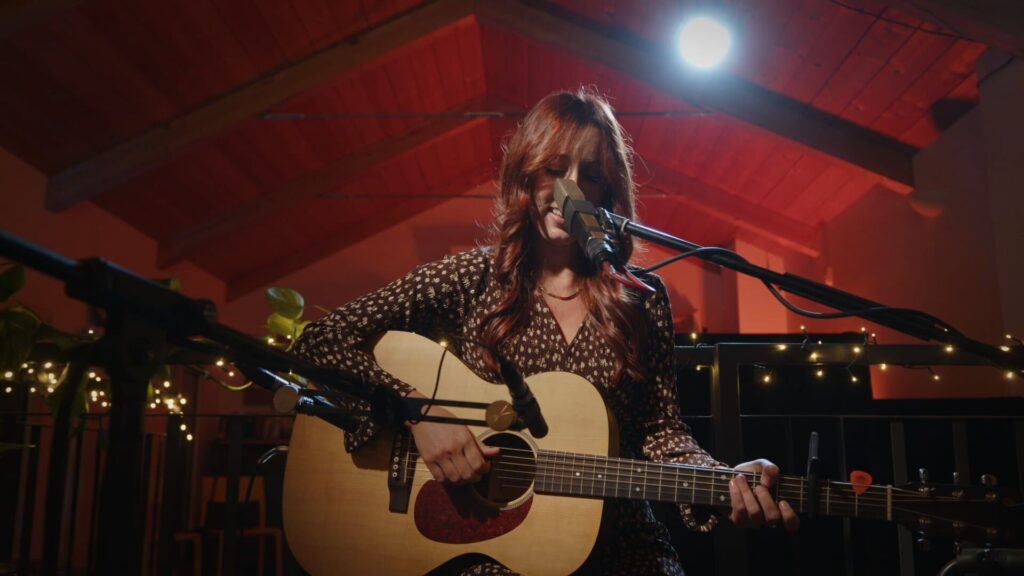
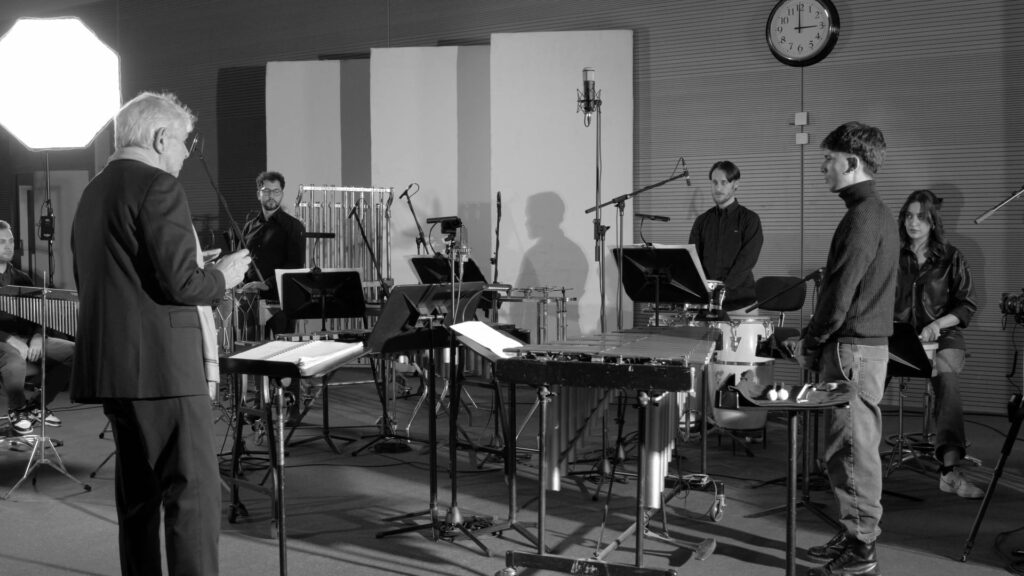
In the Navigli district, with parking nearby, the studio has lights, backdrops and audio and video equipment for interviews, talks, product presentations, webinars and performances by soloists or small ensembles. Connected by fibre, it is the operations centre of the production.
The technical infrastructure
The most complex broadcasts need the right infrastructure. The Dell Precision 5820 workstation, with 256 GB of memory, an Intel Xeon W-2155 processor at 3.30 GHz and Blackmagic PCI Express capture cards — DeckLink 8K Pro, DeckLink SDI 4K and DeckLink Monitor 4K — is built for even the most demanding productions. With vMix Pro, Adobe Creative Cloud and other professional video production software it delivers outstanding performance and reliability. A team of experienced professionals takes care of every technical need before, during and after the broadcast.


The NDI protocol
NDI (Network Device Interface) is a royalty-free data transmission protocol developed by NewTek that lets compatible devices exchange high-definition video over a normal LAN, in high quality and with low latency, which makes it particularly well suited to live audio and video production.

My kit includes a business-class Cisco SG350-28P Gigabit Ethernet switch, which handles all incoming and outgoing NDI sources and powers PoE (Power over Ethernet) devices.
The Dante protocol
A traditional sound system connects microphones, mixers, processors, amplifiers and loudspeakers with long cable runs, each carrying a single signal and harder to lay the bigger the system gets. Adding video multiplies the problem, with even more cables to install and maintain. Dante replaces all this with a network: hundreds of audio channels travel over a normal Ethernet cable with no loss of quality. Connections are made in software instead of by moving connectors, so any signal can reach any point of the venue without touching the cabling.


The Dante Certification Program lets system designers, engineers, sound operators, system integrators and other audio professionals learn the Dante world in depth through high-level training. The official certification shows potential employers and clients a real command of the Dante protocol. I have been Dante certified since May 2023.
The Netgear AV Line M4250-10G2F-PoE+ (GSM4212P) switch carries the Dante audio over IP of my productions, and it is the best the market offers today for reliability and ease of configuration, even in the most complex scenarios.

Dell 7750 workstation
An exceptionally powerful laptop, the Dell Precision 7750 workstation is the ideal choice for productions on the move, or to work alongside the 5820 desktop workstation on larger and more complex productions. It also has an Intel Xeon processor, the W-10855M at 2.80 GHz, and an NVIDIA RTX 4000 graphics card, and like its big sister it keeps up with any production pace.
Dell 3930 rack workstation

Always in service, the Dell Precision 3930 19-inch rack workstation is one of the most powerful in its class. With an Intel Xeon E-2226G at 3.4 GHz, an NVIDIA RTX 4000 graphics card and 64 GB of RAM, it carries two Blackmagic capture and playback cards, a DeckLink 8K Pro and a Quad 4K, for a total of eight inputs (four SDI and four HDMI) and four SDI outputs. The software is entirely dedicated to audio and video production: Adobe Creative Cloud, the Blackmagic Design applications, DaVinci Resolve 21 and of course vMix Pro for live production and streaming.
Frequently asked questions
Which platforms can you stream to?
Zoom, Microsoft Teams and Google Meet for private events, social platforms such as YouTube, LinkedIn and Facebook, or dedicated platforms with paid or invitation-only access. The production software handles up to three simultaneous destinations per broadcast, and up to six in some advanced setups.
Can an online event be paid or invitation-only?
Yes. Besides public streams on social media you can use video conferencing platforms such as Zoom and Teams for a set number of participants, or dedicated platforms with paid or invitation-only access. The options can also be combined in the same broadcast.
How are remote speakers prepared?
Every speaker is tested before going live: connection, audio, framing and screen sharing. During the broadcast they stay in touch with the control room on a dedicated audio line.
Can a speaker join from home or the office with professional quality?
Yes, with the Pro connection: a technician comes to their home or office with compact equipment that is easy to set up, and their talk goes live with television-quality picture and sound.
What happens if a connection drops?
The broadcast does not stop. The control room immediately puts prepared content on air — a holding slide, a cover or a pre-recorded video — while the connection is restored. As soon as the speaker is back online, they go back on air. Viewers see a broadcast that carries on, not an empty screen.
Can the client talk to the control room during the broadcast?
Yes. The client has a private channel with the control room: they follow the broadcast and can talk to the director at any time without being heard on air.
Are graphics and lower thirds included?
Yes: lower thirds, basic graphics and screen layouts for conversations between speakers are included in the base production. For a custom look, a professional designer prepares a dedicated layout for a one-off fee that covers the whole series of broadcasts.
Can the videos be reused after the broadcast?
Yes. Every broadcast is recorded in full in broadcast format, and each remote speaker and their shared screen can also be recorded separately. The videos can be archived or reused for highlights, clips and communication.
Can part of the audience be in the room?
Yes, that is a hybrid event. A real television studio is set up in the room, with cameras, operators and audio handled by engineers. People in the room talk with the remote speakers as if they were in the same studio. The details are on the live event production page.

Request a quote
For a free quote fill in the form below with the type of event, the date and the venue, and I will get back to you as soon as possible. You can also call, text or WhatsApp me on +39 338 2264630 during opening hours — Monday to Friday 9:00–13:00 and 14:30–19:00, Saturday 9:00–13:00, Italian time — or write to info[at]angeliandrea.it. My studio is in Milan, in the Navigli district, and I work across Northern Italy. All my details are on the contact page.